Simple & Secure Payment
Complete Your Purchase
Pay the amount shown below, then send the payment screenshot on WhatsApp. Your access will be activated after verification.
Loading product...
₹—
Payment
⚠️ Important — Please Read Before Payment
Payments are manually verified. After completing the payment,
please send the payment screenshot/details on WhatsApp for access activation.
Access is normally activated within approximately 10 minutes
after successful verification.
Refund & Cancellation Policy →
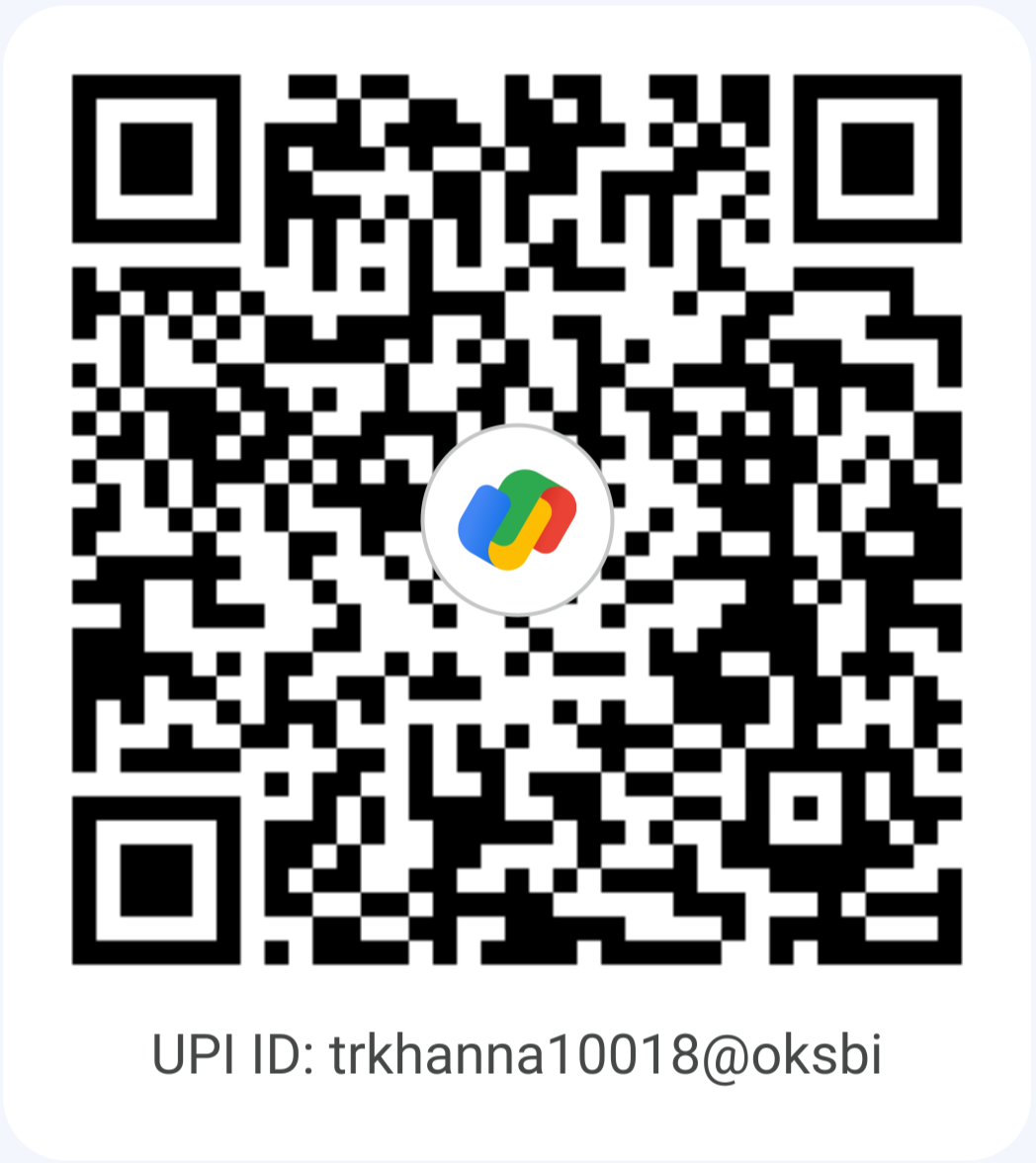
Scan the QR code and pay the exact amount shown above.
Amount to Pay ₹—
✓
Keep the payment screenshot
After successful payment, keep the screenshot ready to attach on WhatsApp.
✓
Access will be verified manually
Your name, email, UID, product, amount and required access details are sent with your WhatsApp message.
Just 2 Steps
That's all you need to do.
1
Make Payment
Scan the QR code and complete the payment.
2
Send on WhatsApp
Click the WhatsApp button, attach your payment screenshot and send the pre-filled message.
Payment Summary
You are purchasingLoading...
Plan—
Questions—
Validity—
Access—
Amount to Pay₹—
Your Account
NameChecking...
Registered EmailChecking...
UIDChecking...
Your message is prepared automatically with your name, email, UID, plan, validity, amount and access details. Attach the payment screenshot and tap Send.